Resource Center

Read a GoToMyPC overview, review a white paper or see a webinar.
Product Overview

GoToMyPC is the fast, easy, secure way to instantly access your computer from anywhere.


NEW! GoToMyPC Remote Deployment (PDF)

Getting Started Admin Guide (PDF)

GoToMyPC Fact Sheet (PDF)

GoToMyPC Overview White Paper (PDF)

GoToMyPC Corporate Product Overview (PDF)

GoToMyPC Product Line Comparison (PDF)

Security & Reliability

Learn how GoToMyPC provides reliable, industry-leading security.


GoToMyPC Security White Paper (PDF)

GoToMyPC Corporate Security FAQs (PDF)

GoToMyPC Infrastructure Reliability (PDF)

GoToMyPC Corporate RSA Fact Sheet (PDF)

Compliance

Provide protection, privacy and remote access to your files and computer.


GoToMyPC HIPAA Compliance Guide (PDF)

GoToMyPC GLBA Compliance Guide (PDF)

GoToMyPC Corporate PCI Compliance (PDF)

Employer Benefits

Explore how GoToMyPC compares to traditional approaches to mobile workstyles.


LogMeIn Access Product Comparison (PDF)

Evaluating Secure Remote Access Models (PDF)

Telework Benefits (PDF)

Integration

Seamlessly integrate GoToMyPC Corporate with your existing IT infrastructure.


GoToMyPC Corporate IntegrationServices APIs (PDF)

GoToMyPC Corporate Wake-on-LAN Fact Sheet (PDF)

Case Studies

Real stories from our customers who use GoToMyPC daily.


GAPincus Funds GoToMyPC Case Study (PDF)

Veterinary Hospital Case Study (PDF)
Office Manager GoToMyPC Case Study (PDF)

Duke University Case Study (PDF)

VIDEO RESOURCES
Demos, Webinars and Training
Learn more about using GoToMyPC.
Click to play video.
GoToMyPC Getting Started Video

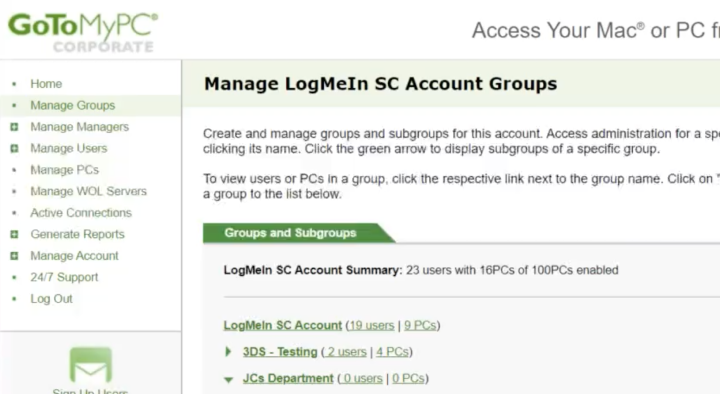
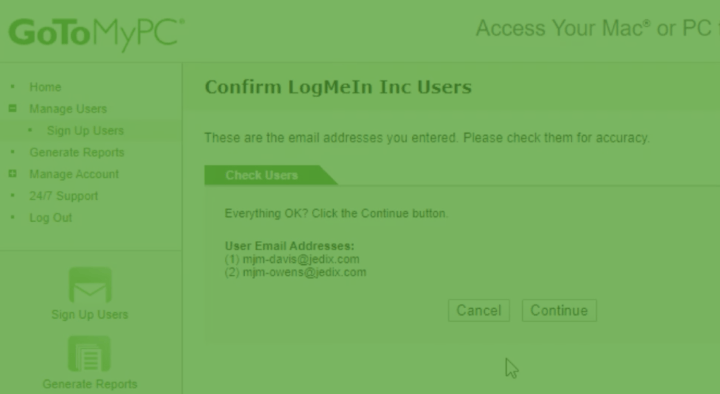
An in-product video tour of how to get started with GoToMyPC and key features GoToMyPC Getting Started (7 min)

Getting the Most Out of GoToMyPC Webinar

Listen to a recording of our Webinar, Getting the Most out of GoToMyPC, for a holistic look at everything from the basics of GoToMyPC to advanced features and Corporate functionality. Getting the Most Out of GoToMyPC Webinar (56 min)

Click to play video.
Add/Remove a Host Computer

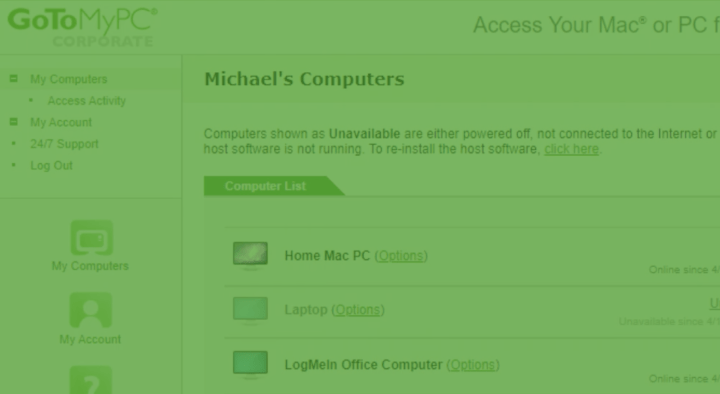
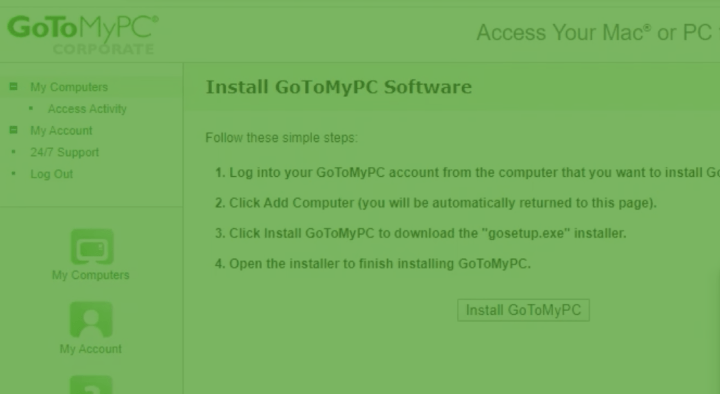
Learn how to quickly add or remove your GoToMyPC host computers. Add/Remove a Host Computer (3 min)

Click to play video.
GoToMyPC Product Overview Demo

Learn how to quickly add or remove your GoToMyPC host computers. GoToMyPC Product Overview Demo (18 min)

Click to play video.
GoToMyPC Pro Admin Center
Watch the demo for using your Administration Center in GoToMyPC Pro. GoToMyPC Pro (3 min)
Click to play video.
GoToMyPC Corporate Admin

Learn how to set up your GoToMyPC Corporate account Admin Center. GoToMyPC Corporate (5 min)

Webinars & Training

Learn more about using GoToMyPC through pre-recorded webinars and training sessions.

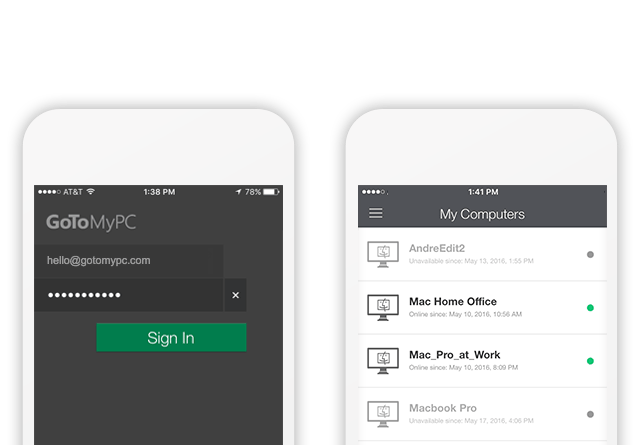
Mobile Access
How it works
See how easy remote computer access can be when you use GoToMyPC.
Explore features
Explore the features that make remote work simpler than ever for your business.
See pricing
Start a free trial or learn more about our flexible pricing plans.
Try it free for 7 days. No credit card. No commitments.
Join the almost-1,000-weekly new customers who sign up to try GoToMyPC’s remote access software.